For those who are wondering
Here are the settings for the brushes I use the most (I work in SAI)
Tag: drawing
HOLY FREE ART PROGRAMS BATMAN
I’ve had this list sitting around for a while (in case I ever want to try something new) and I thought I’d share it, because why the hell not, everybody loves free stuff. I’ve only used a couple, so for all I know these could be complete shit. BUT YOU NEVER KNOW, RIGHT?
*= available for both windows and mac os
GIMP * – Does a lot of the same stuff as Photoshop.
FireAlpaca * – Similar to Paint Tool Sai, so it’s a good alternative for Mac users.
Autodesk Sketchbook Copic Edition * – Simulates the look of copic markers.
MyPaint * – Basic stuff, nothing fancy.
Pinta * – Drawing program modeled after paint.NET.
Inkscape * – Vector/drawing program meant to be similar to Illustrator.
ArtRage * – Digital painting program; you can get the trimmed down version for free or buy the full version with more features.
Sumo Paint * – In-browser drawing app.
DAZ Studio * – Some sort of 3D model poser thing.
Pencil * – Software for animating.
SketchUp * – Tool for making 3D models. Looks handy for stuff like architectural drawings.
Blender * – Pretty popular 3D software.
escape motions * – Some browser apps, fun to fiddle with when you’re bored (the fluid fire simulation is pretty cool imo).
Twistedbrush (Pixarra) – Seems to be meant for replicating the look of traditional media.
Pixia/Phierha – A popular program in Japan, according to the website.
Krita – This was originally made for Linux and it looks like the developers haven’t ironed out all of the kinks in the Windows installer.
Artweaver – Another trimmed down free thing if you don’t want to buy the full program.
paint.NET – Pretty basic kit, probably good for simple stuff.
Project Dogwaffle – I’m not sure what this one is all about because I couldn’t stop laughing at the terrible website.
Speedy Painter – Lightweight digital painting program.
mtPaint – Originally made for pixel art; simple enough to run on older computers.
Chasys Draw IES – Supposed to be some sort of drawing+image editor thing.
PaintRibbon – Seems to be another plain old basic image editor.
DrawPlus – Looks like it’s made for graphic design and vector stuff.
SmoothDraw – I’m guessing this is a basic thing for people who don’t want to bother with complicated stuff.
!!!!!
i’m new to your blog but omg i looove your art! but i wanted to ask if you have any tips on colouring? ’cause yours looks so good o.o
There’s a coloring tutorial up on my deviantart if you wanted to check that out: http://fav.me/d7va0ou
seeing anatomy mistakes you’ve made after finishing your drawing

when you’re on a roll drawing even though you have no idea what you’re doing
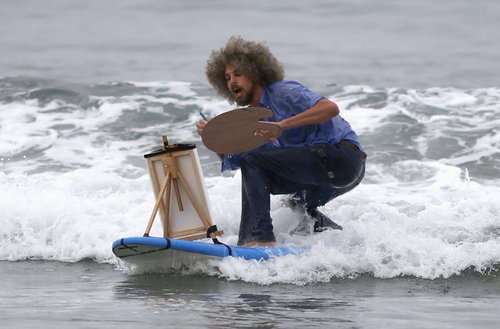
me: im gonna draw so much today
me: *opens sai*
me:

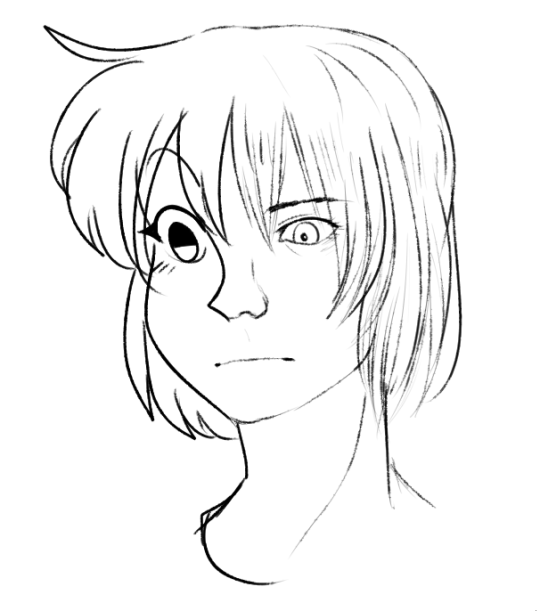
when you want your art style to be more stylized but also more realistic and then you kinda just
 PiraticOctopus